
Submit Investment (Transaction)
The following endpoint may be used to create a transaction:
/primary/v2/transactionIn the body of the call, use the amountReservedDollars field to pass along the dollar amount of the investment. For your platform, side should be set to "SUBSCRIPTION."
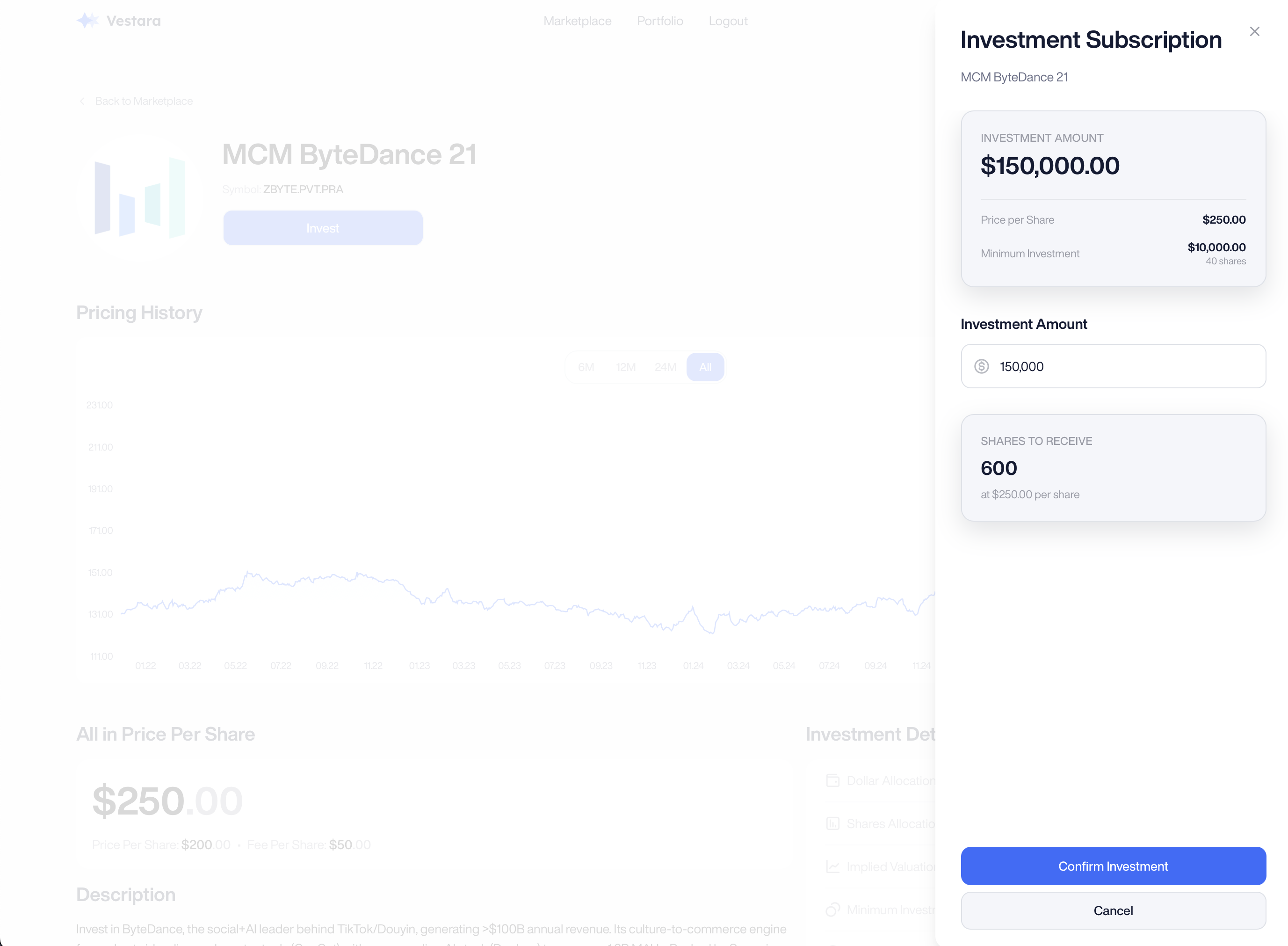
See sample UI below for an example of what this could look like, once an “Invest” button is clicked.
Sample UI
Complete Actions
Note that submitting a transaction is not final - the user must complete transaction actions before the investment is submitted for final close. This can be done through the below endpoints.
/primary/v2/transaction-action/transaction/{transactionId}
/primary/v2/transaction-action/{id}/complete
Once actions are retrieved, the user should be guided through each action and prompted to complete it. Once all are completed the transaction will automatically be promoted to a “PROCESSING” status and will await settlement once the transaction closes.
Updated 8 months ago