
SPV View
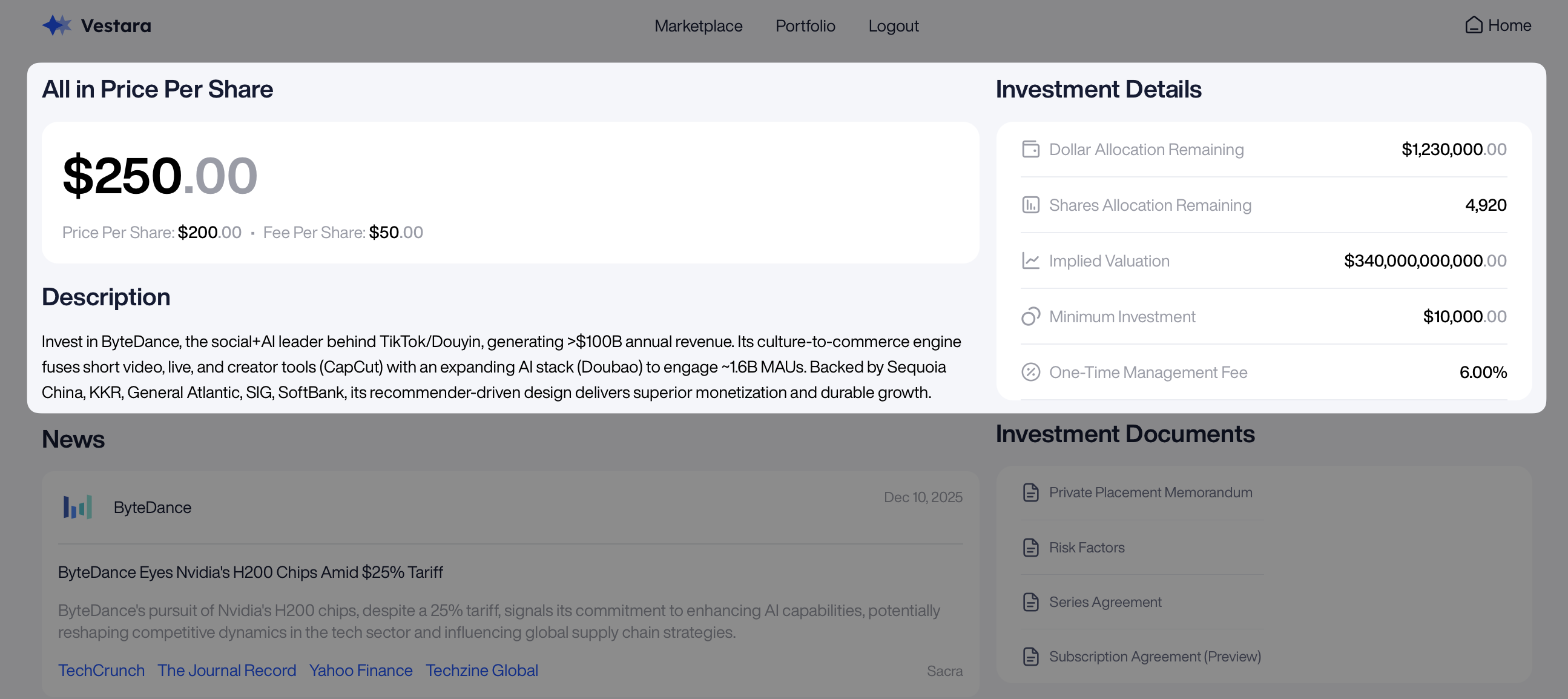
Similar to the view company page, an SPV page would allow a user to view all SPV-specific details necessary to do all necessary diligence before submitting an investment.
SPV Details View
The SPV details view should show all diligence information necessary to help users make an investment in a specific SPV. The information shown below in the Sample UI may be retrieved using the following endpoint:
/primary/v1/pre-ipo-company-spv/{id}Sample UI
Documents
Alternative asset level documents may be retrieved using the following endpoints:
/primary/v2/document
/primary/v2/document/{id}
/primary/v2/document/{id}/download/{token}
If you are already making a call to retrieve a PreIPOCompanySPV, you may also use the includeDocument to retrieve both SPV details and documents in a single API call
/primary/v1/pre-ipo-company-spv/{id}/investor/{investorId}?includeDocuments=trueSample UI
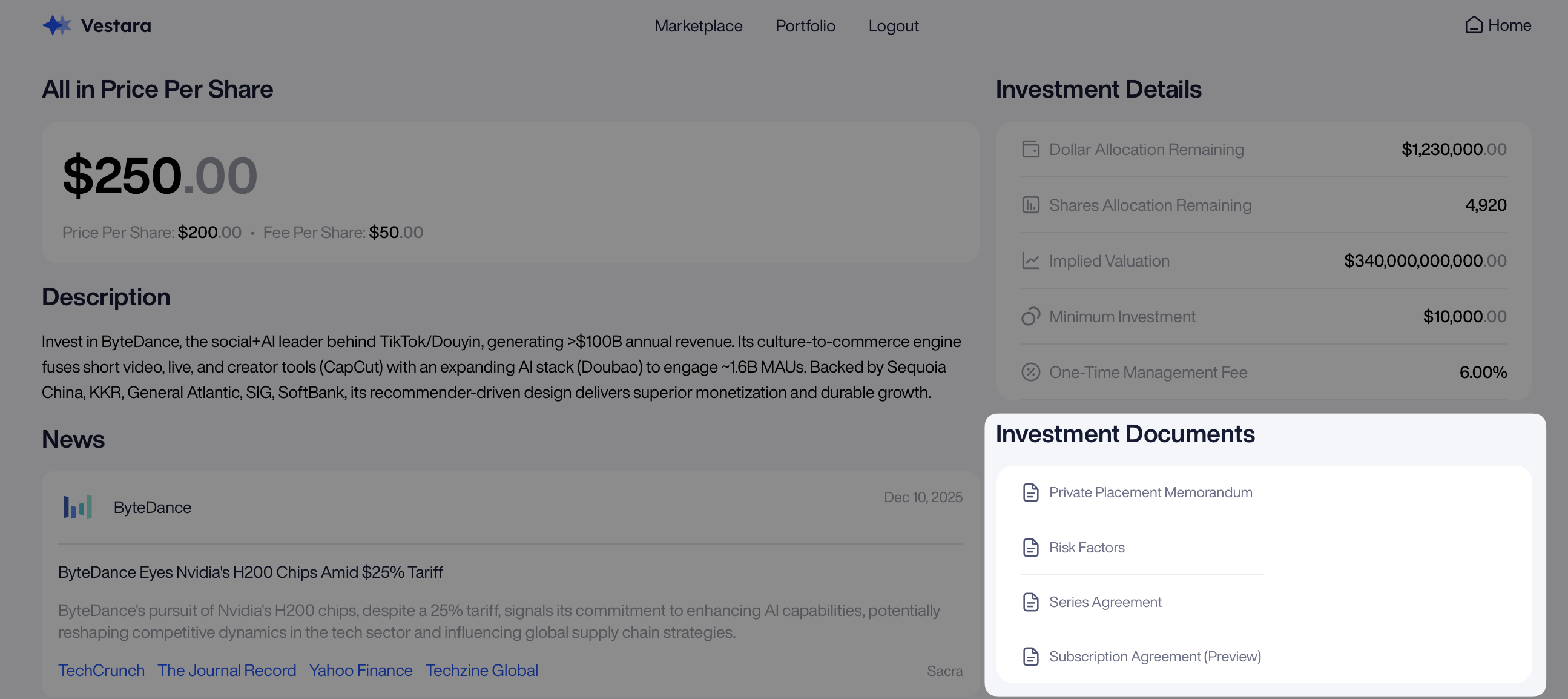
Note that there are numerous documents returned via API. However, in the individual SPV view, only the following document types should be shown - this is reflective in the above screenshot as well:
PrivatePlacementMemorandum_Monark- Private Placement MemorandumRiskFactors_Monark- Risk FactorsSERIES_AGREEMENT- Series AgreementSubscriptionAgreementPreview_Monark- Subscription Agreement Preview
Submit Transaction Button
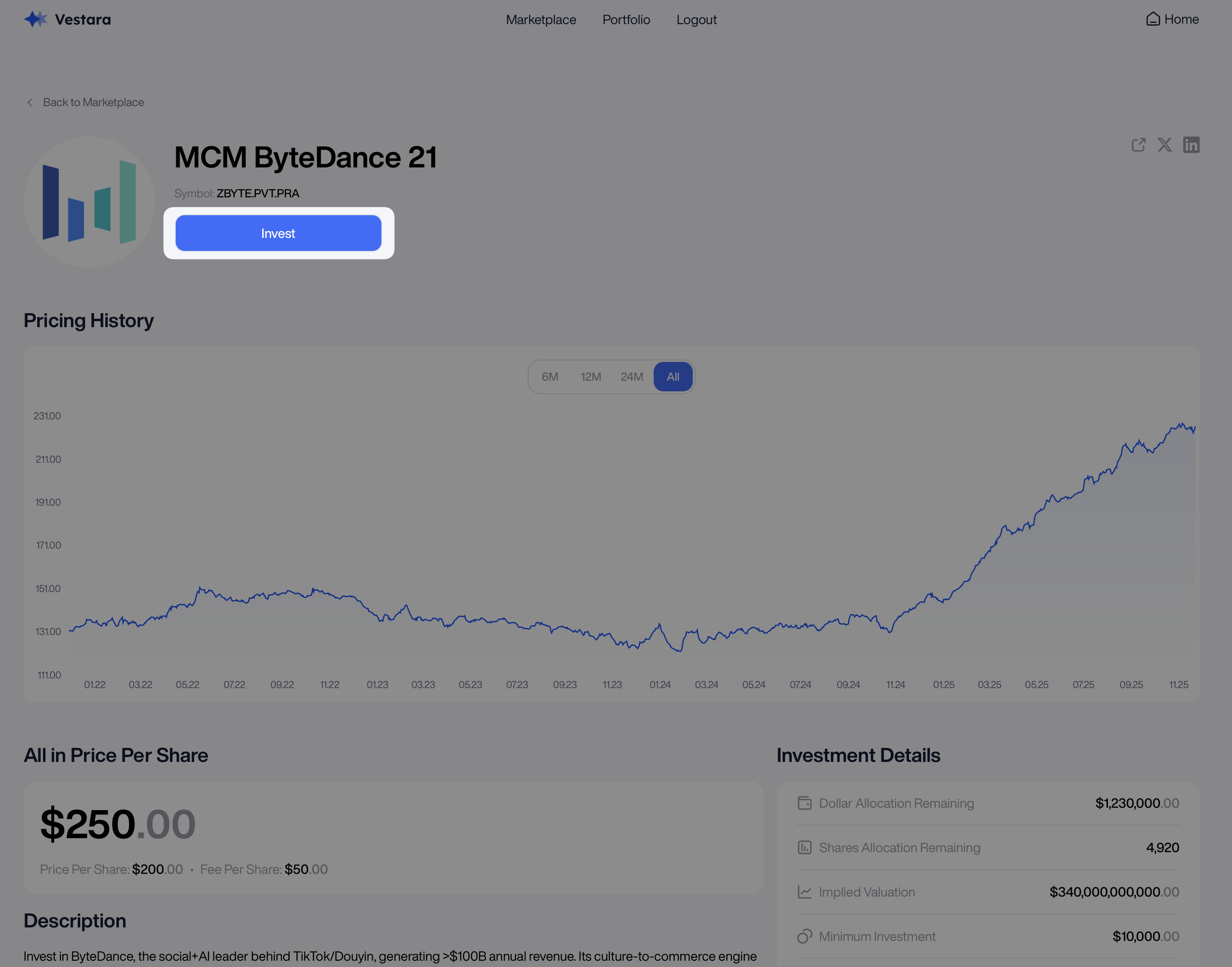
Finally, each SPV page should prominently display a “Buy”, “Invest,” or other button that leads to the “Submit Investment (Transaction)” menu.
Sample UI
Here’s an example of what an individual company “Invest” button could look like.
Updated 6 months ago